
Student records
Open one student. See everything.
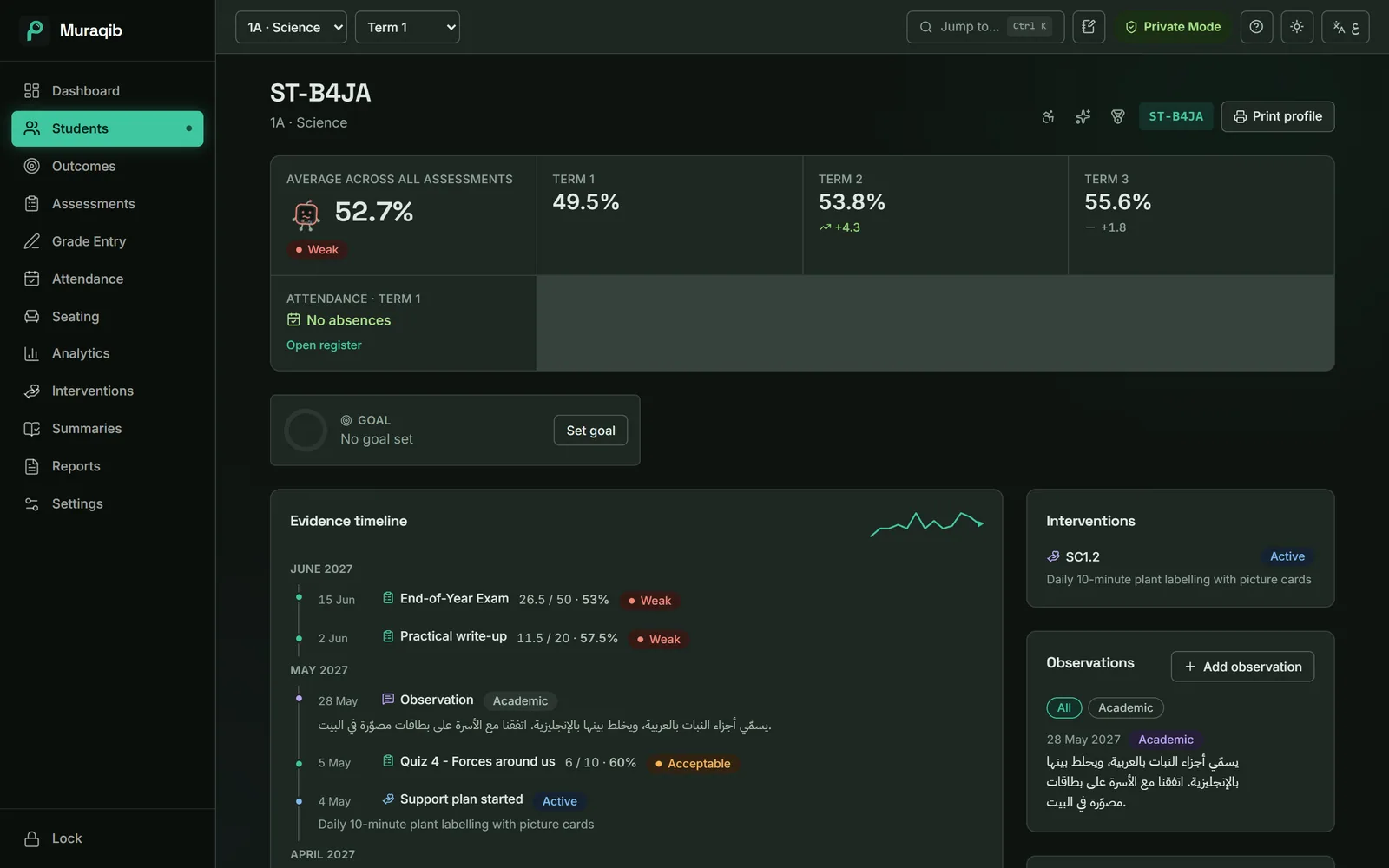
The profile brings together what you have recorded about a student, in date order, so the next conversation starts with facts.
The information exists. It's just in six places.
Before a meeting you open the gradebook, the register, a notebook and a Word file, and still miss the call from last month.
How it works
Record as you go
Marks, attendance, observations and calls, each where it happens.
Open the profile
From the class list, the dashboard or Ctrl+K.
See the story
Term averages, change since last term, and a timeline of marks, notes, absences and plans.
What you can do
- Evidence timeline
- Every mark, note, absence and plan start, grouped by month.
- Observations
- Tagged academic, behaviour or parent, and filtered by tag.
- Calls with families
- Date, method and a line of notes.
- Goals
- A target percentage for the term, tracked as a ring.
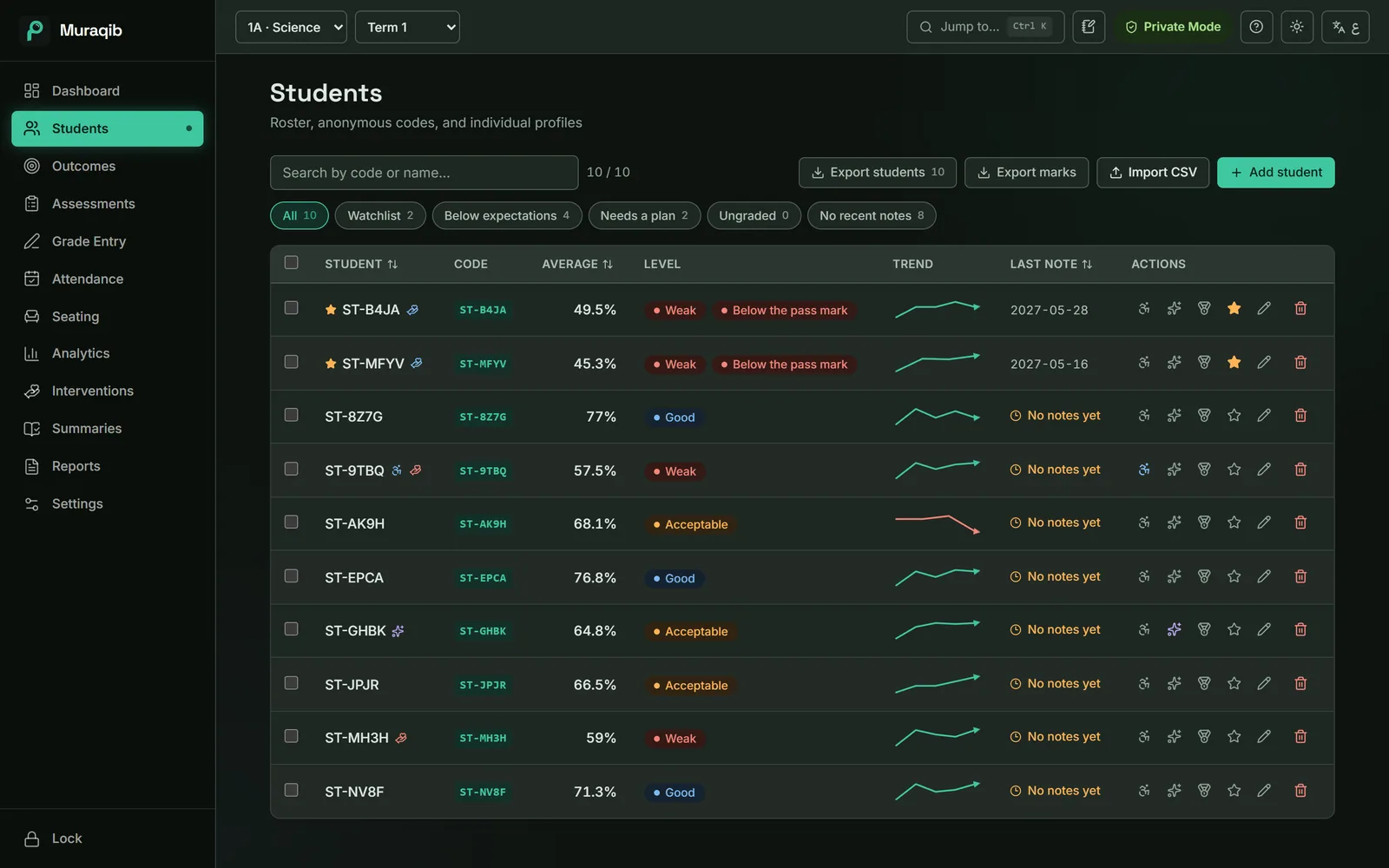
- Labels and watchlist
- Person of determination, gifted, talented, and a star for students to watch.
- Print a profile
- An A4 evidence card for a meeting (Pro).
Keep the teaching. Lose some of the admin.
Attendance, marks, observations, support and reports in one place, on your own computer.
Download Muraqib FreeWindows and Mac · Arabic and English