
Organise your class
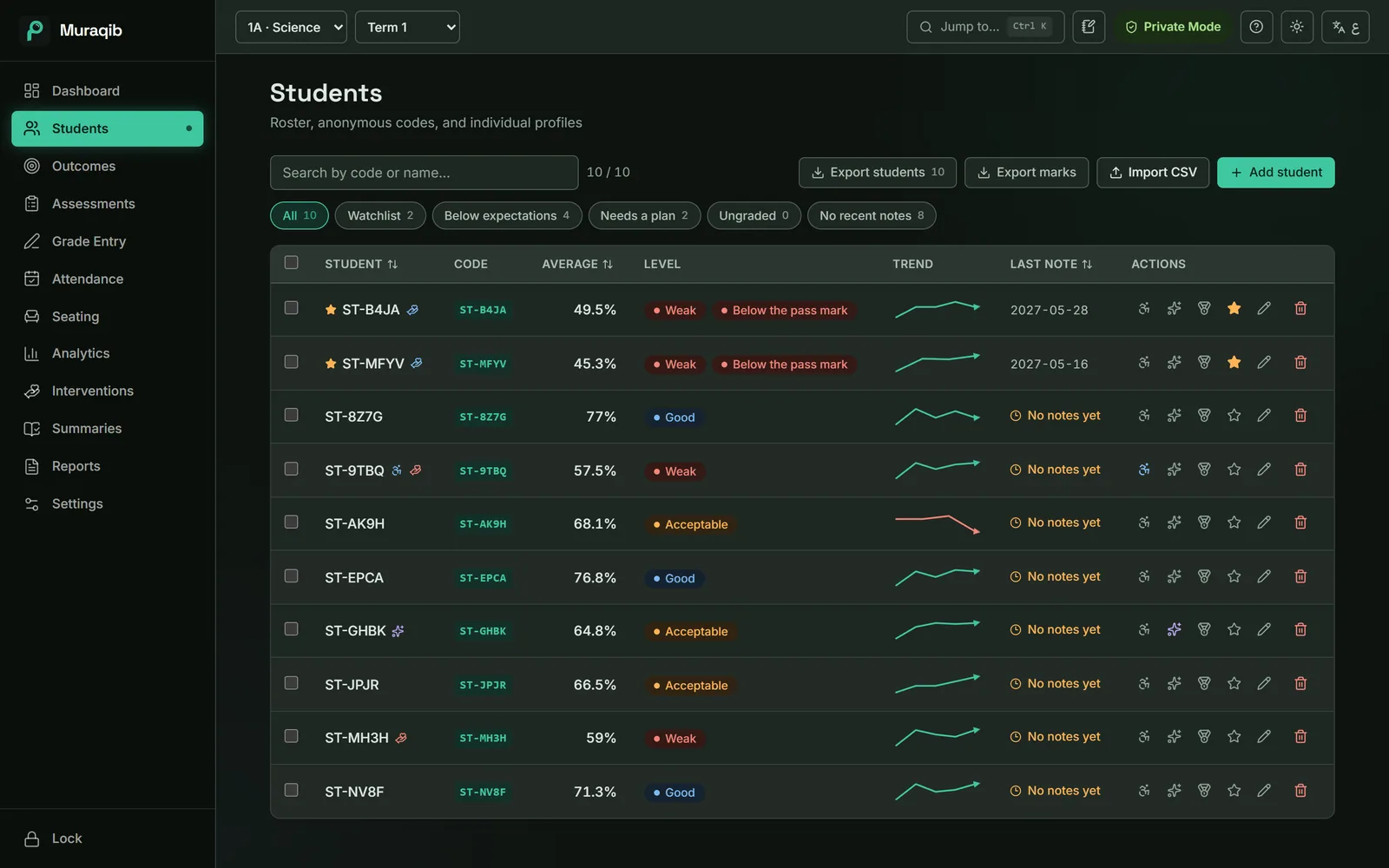
- Class list
- Every student with their average, level, trend and the date of your last note.
- Quick filters
- Watchlist, below expectations, needs a plan, not yet marked, no recent notes.
- Labels
- Person of determination, gifted and talented, set for one student or many at once.
- Student import
- Bring a class in from a CSV file, with a template to start from.
- Seating plan
- Tables, drag and drop, fill empty seats, balance by level, print for a cover teacher.
- Terms and years
- Three terms set up in one click. Last year stays readable after you move on.
Track learning
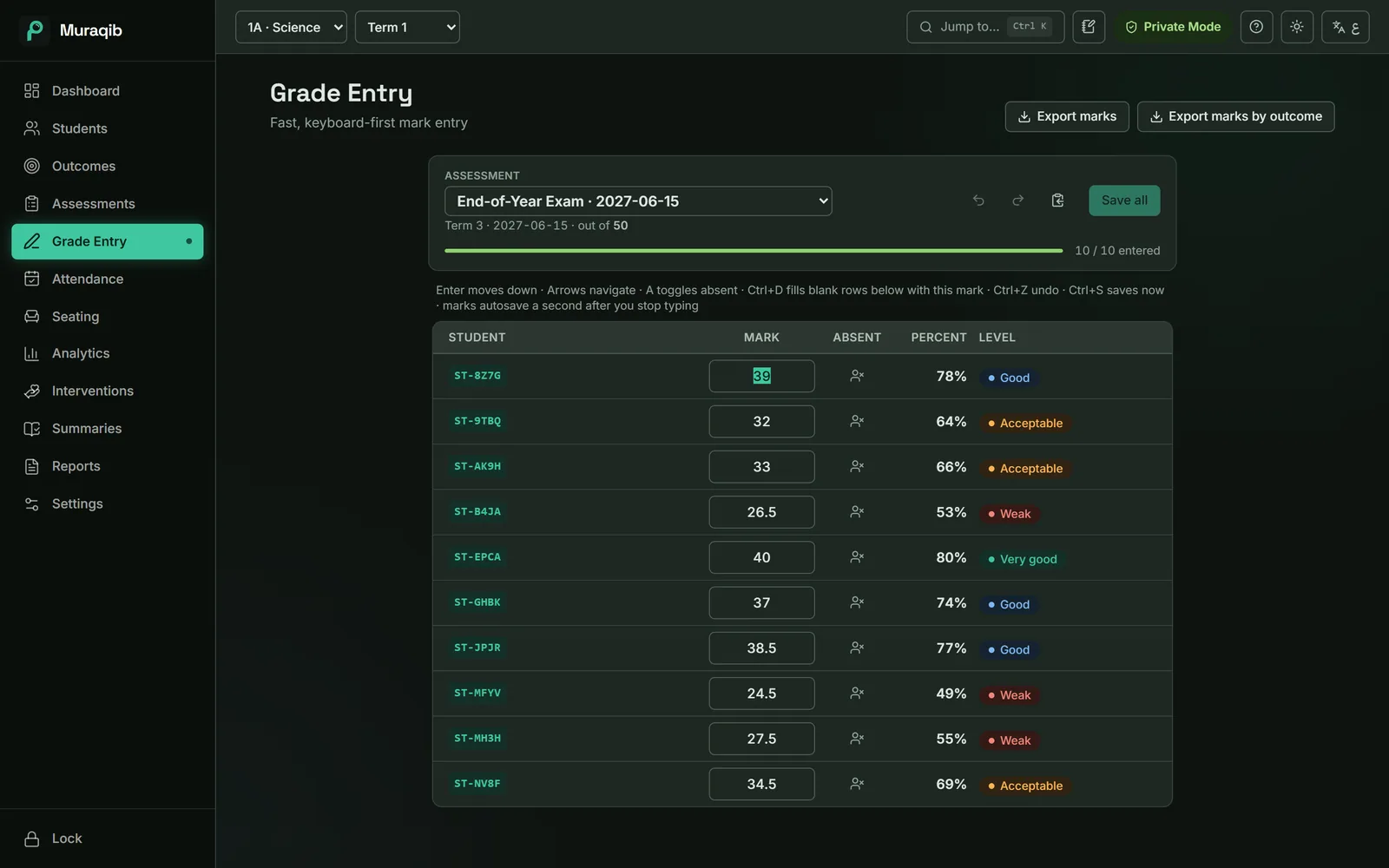
- Mark entry
- A keyboard-first grid with live percent and level, autosave and undo.
- Assessments
- Eleven types, from quick quizzes to diagnostics, with a marking progress bar.
- Learning outcomes
- Link assessments to outcomes and see the class average on each one.
- Split marks
- Spread one assessment's mark across the outcomes it measures.
- Weighting
- Equal by default, or shares by assessment type if your school weights them.
- Analytics
- Levels, per-assessment results, improved and declined, outcomes heatmap, term against term.
Keep up with the classroom
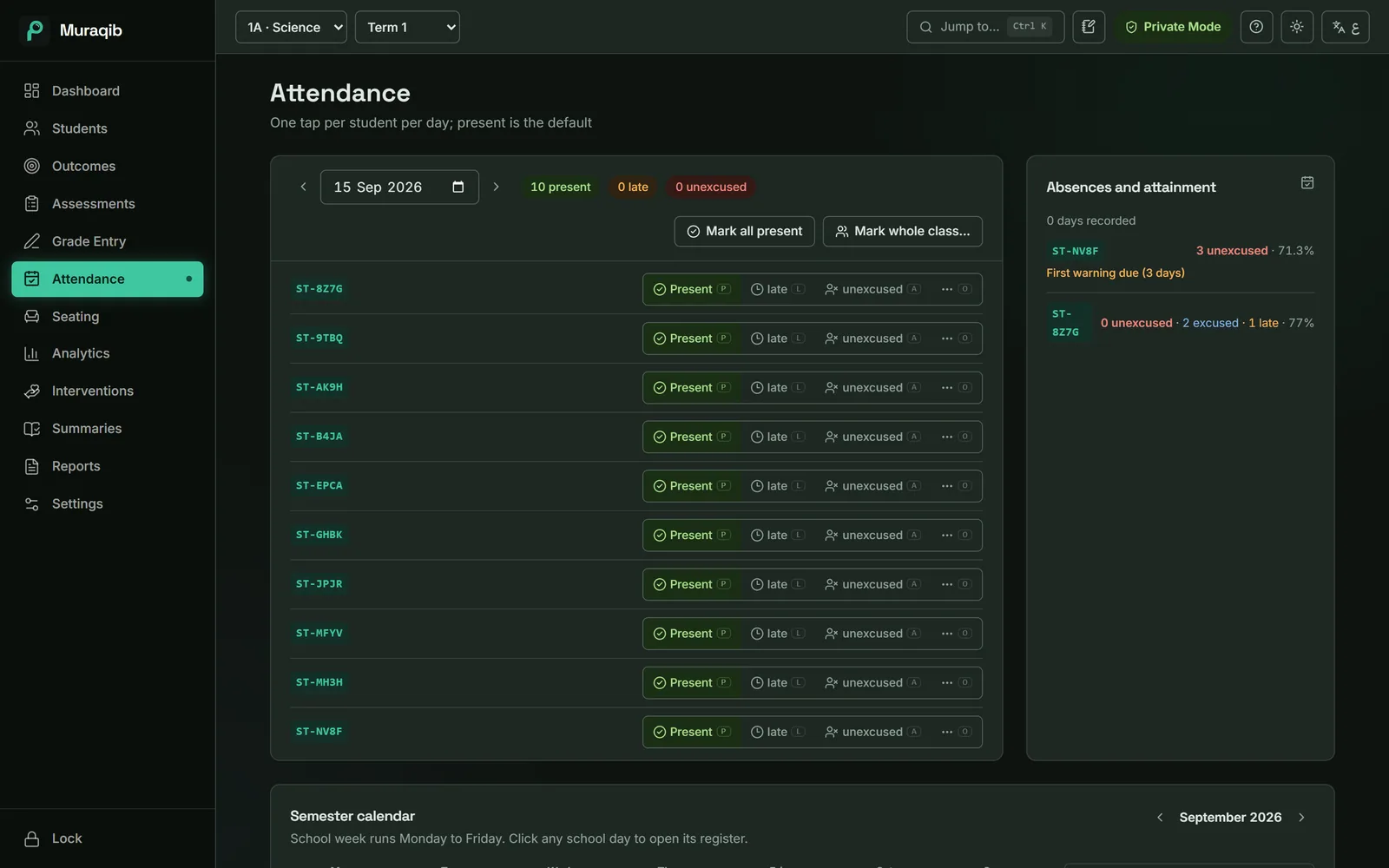
- Register
- Present by default, one key per student, excused and unexcused kept apart.
- Term calendar
- Every school day at a glance, with holidays and days the register was missed.
- Observations
- Dated, tagged notes from any screen with Ctrl+Shift+O.
- Day notes
- A lesson plan or an idea kept against a date.
- Dashboard
- Today's register, returning students, marks waiting and plan reviews due.
- Search
- Ctrl+K to jump to any student, assessment or page.
- Projector view
- Class average, level spread, top climbers and perfect attendance, full screen for the board.
Support students
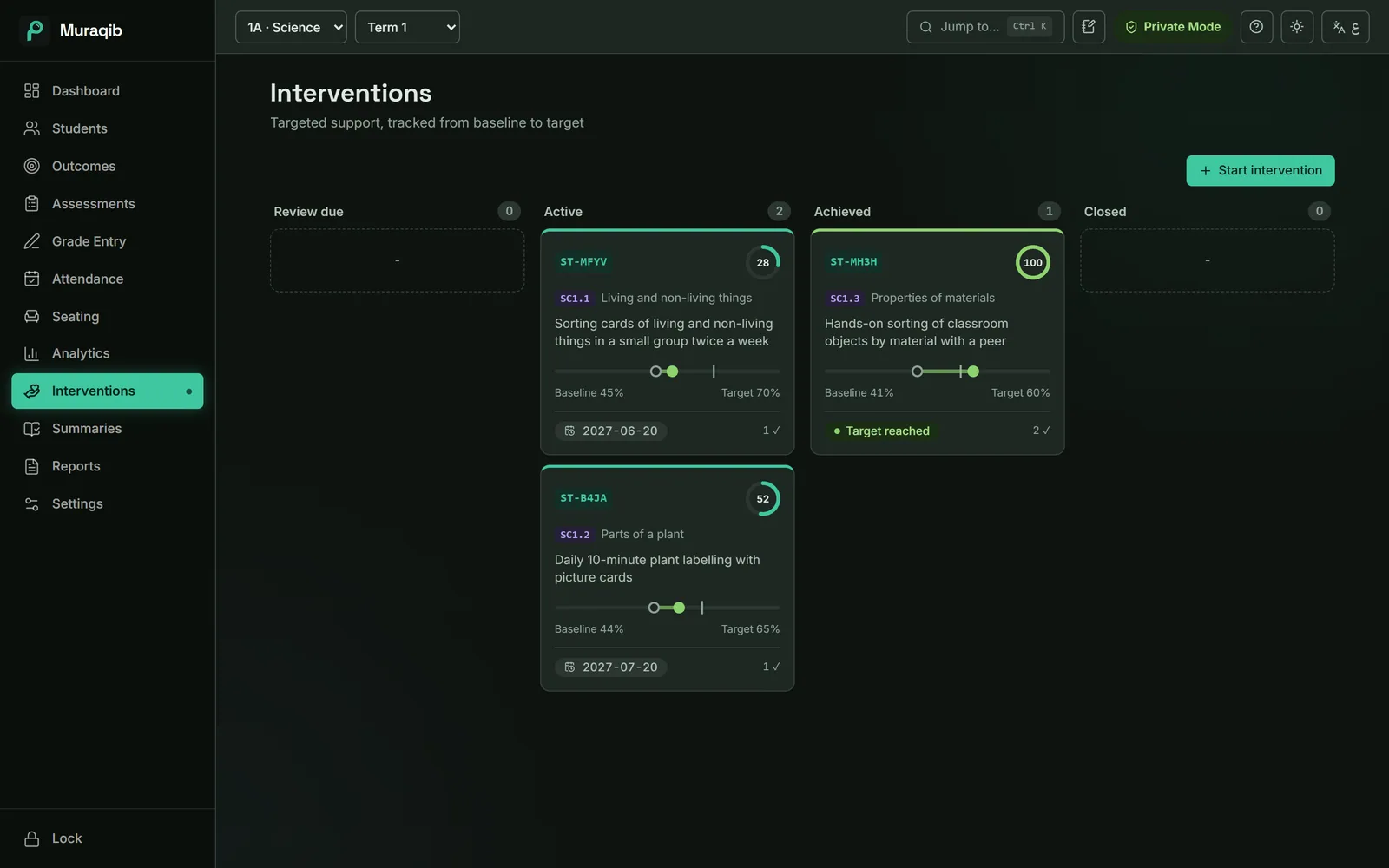
- Support plans
- Focus, strategy, starting point and target, with checkpoints along the way.
- Plan board
- Review due, active, achieved and closed, side by side.
- Goals
- A target for one student or the whole class, tracked each term.
- Calls with families
- Date, method and a line of notes, kept on the student's record.
- Evidence timeline
- Marks, notes, absences and plan starts in date order on the profile.
- Needs your attention
- Students slipping, overdue reviews and repeated absences, listed on the dashboard.
Prepare for reporting
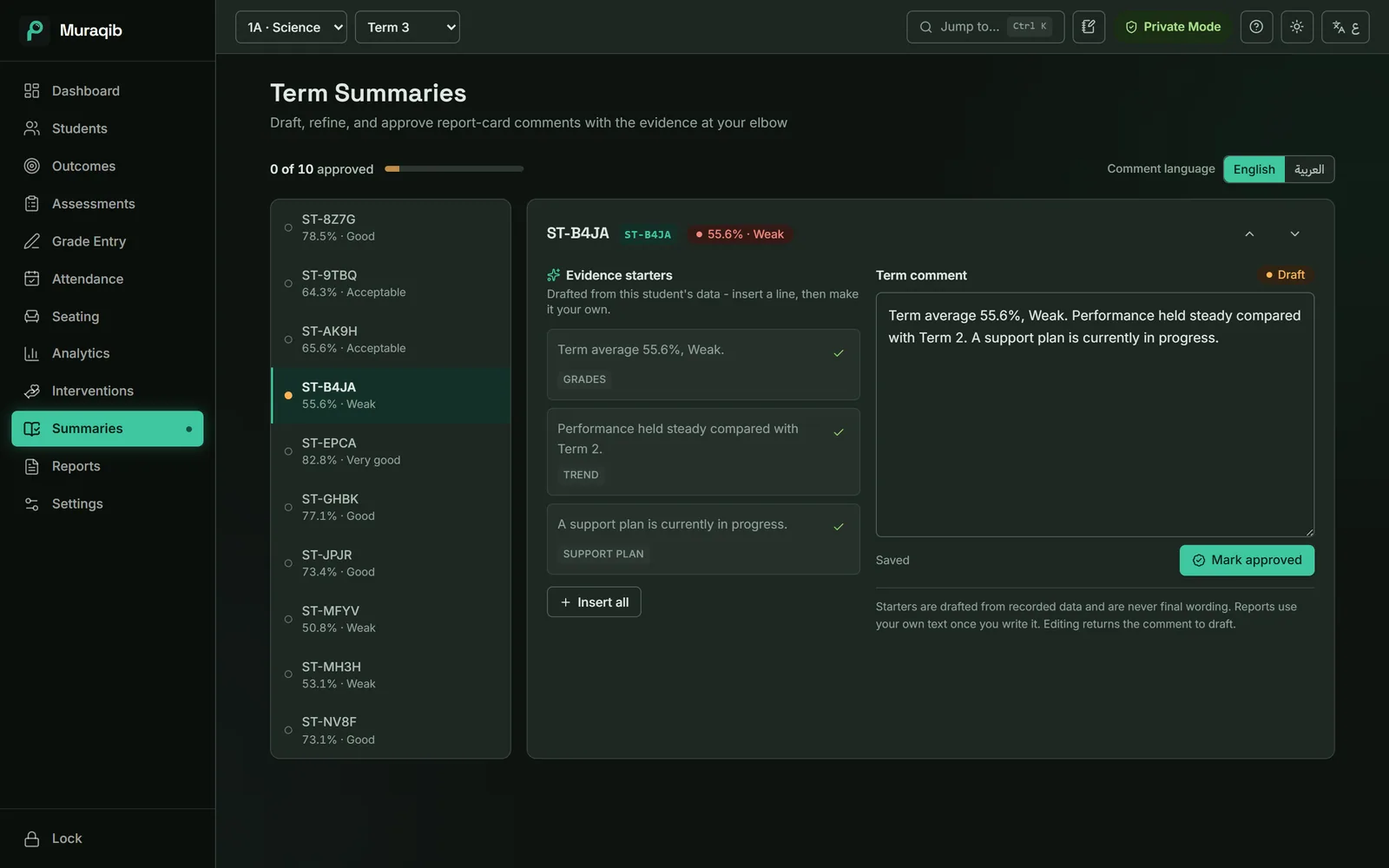
- Term comments
- One comment per student per term, in Arabic or English, with starter lines drafted from their data.
- Family report
- One A4 page per student: average, strengths, focus, attendance and your comment.
- Attendance notice
- The dated record, the warning reached and signature lines.
- Saved reports
- Executive summary, detailed class report, student evidence card, term summaries, progress pack.
- Excel for leadership
- Progress, support plans, class trend and marks, in one workbook.
- Class sheets
- Blank mark sheet, blank register and a name list for a substitute teacher.
Look after your records
- Private by default
- Codes instead of names until you choose otherwise.
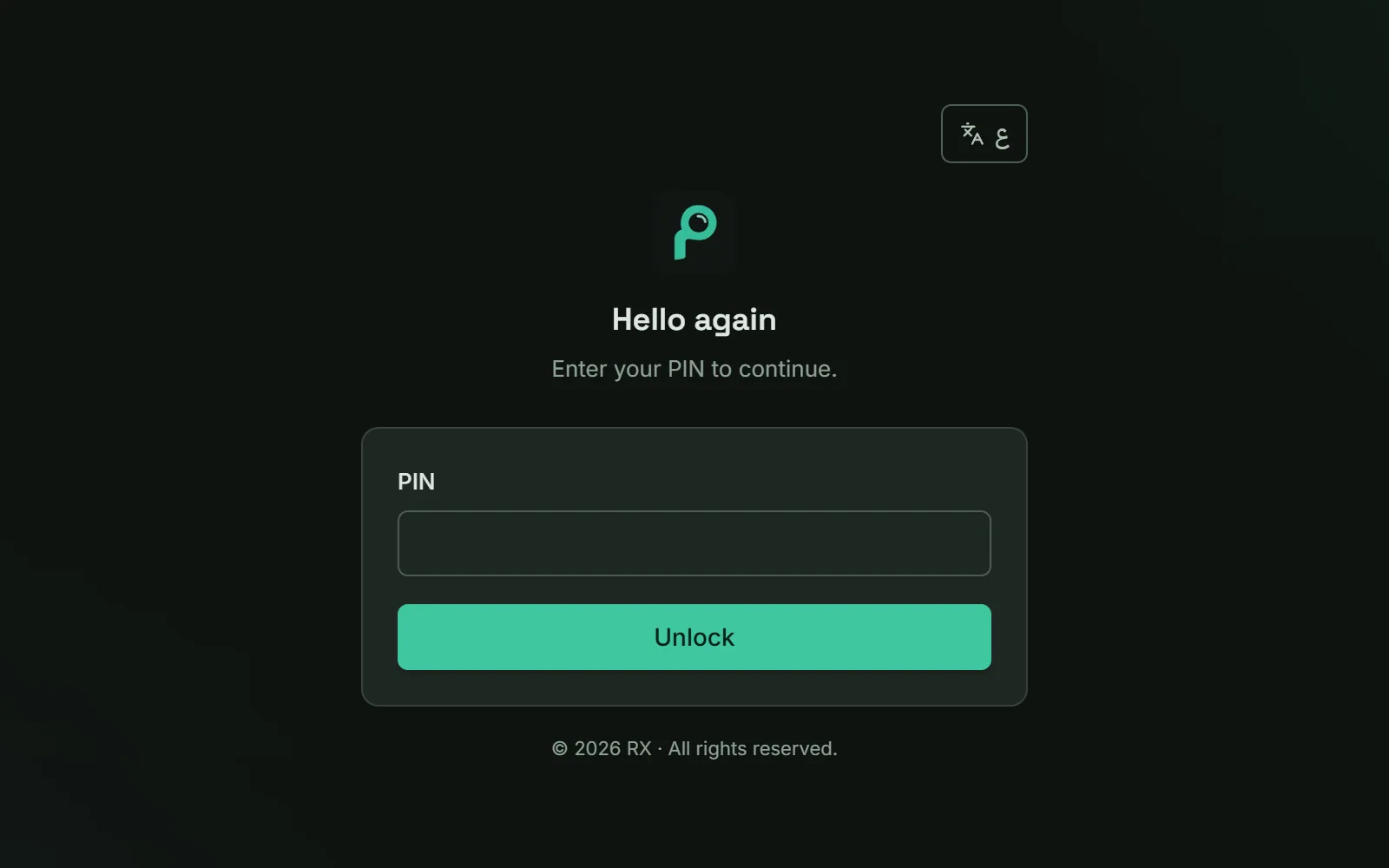
- PIN lock
- 6 to 12 digits, and the app locks itself after a quiet spell.
- Automatic copies
- A copy of your records each time the app starts, and a daily copy kept for two weeks.
- Backup and export
- Back up now, save a copy to a USB stick, or export everything to one file.
- Recycle bin
- A deleted student comes back with everything they had.
- New school year
- Carry classes forward or retire them, with a backup taken first.
Keep the teaching. Lose some of the admin.
Attendance, marks, observations, support and reports in one place, on your own computer.
Download Muraqib FreeWindows and Mac · Arabic and English