
Student support
Support you can show worked.
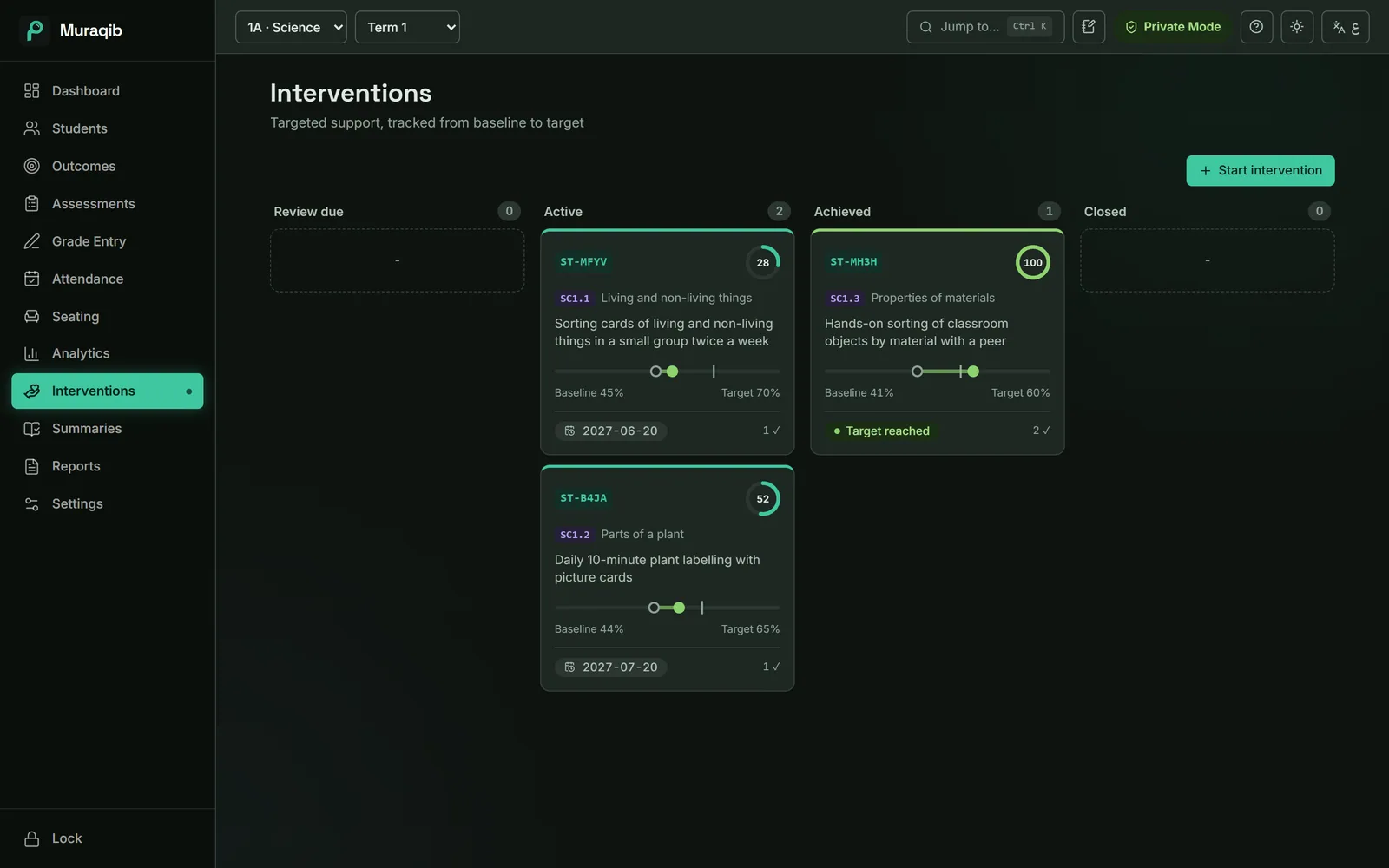
Support plans with a clear starting point and target, tracked with checkpoints and kept on the student's record.
Support happens. Proving it is the hard part.
The plan is in a document, the progress is in the gradebook and the review date is on a sticky note.
How it works
Start a plan
Pick the student. Their weakest outcome and current level are filled in, with a target 15 points higher.
Record checkpoints
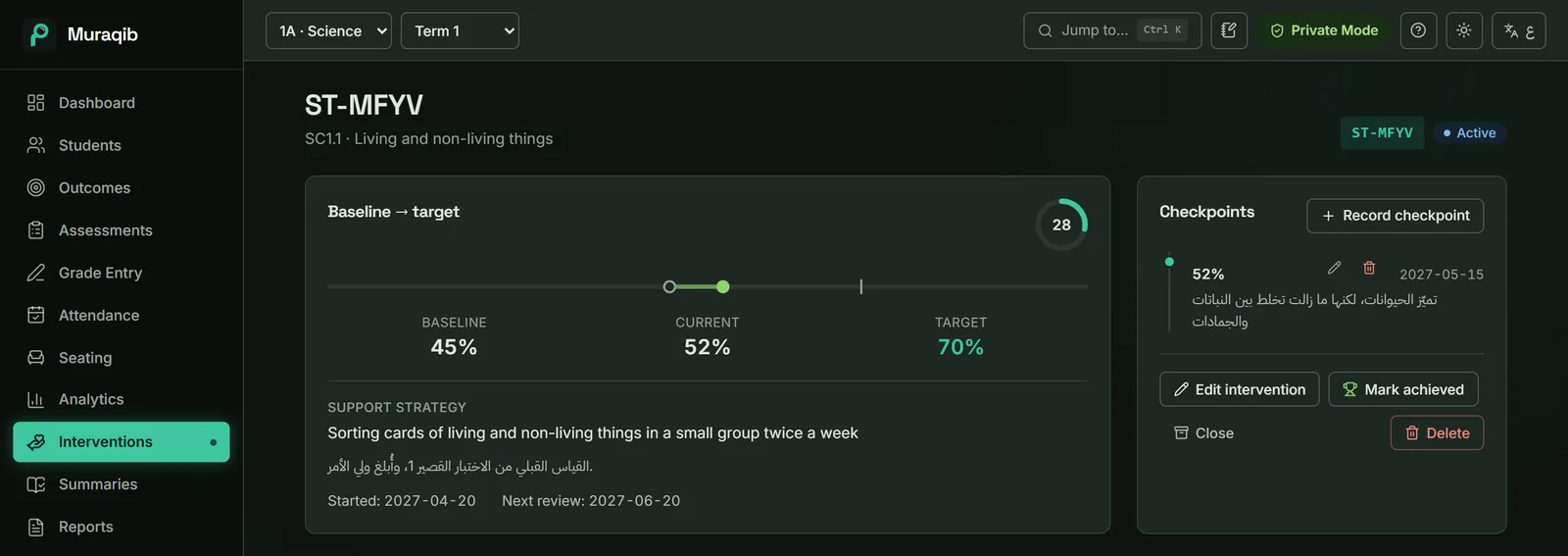
A date, a percentage and a note. Muraqib suggests the student's current average.
Close the loop
When a checkpoint meets the target, mark the plan achieved.
What you can do
- Plan board
- Review due, active, achieved and closed in four columns.
- Quick strategies
- Common strategies filled in, in English and Arabic together.
- Review reminders
- Plans due for review appear on the dashboard.
- Suggested students
- Students in the weakest level without a plan are flagged.
- Goals
- Per-student and whole-class targets for the term.
- In the reports
- Plans feed the family report, the evidence card and the leadership file.
Keep the teaching. Lose some of the admin.
Attendance, marks, observations, support and reports in one place, on your own computer.
Download Muraqib FreeWindows and Mac · Arabic and English